
Screenshots

App details
- Updated
- Aug 9, 2013
- Language
- English
- Developer
- Midi2Wav
- Category
- Mobile
SoftPas in:
This product is also available in the following languages:
About Midi2Wav Recorder
Download Midi2Wav Recorder – midi to wav converter, midi to mp3 converter, midi to wma converter, audio conversion tool, music file conversion, midi recording software
Overview
Midi2Wav Recorder is a specialized audio conversion tool designed to transform MIDI files into standard audio formats such as WAV, MP3, and WMA. This application addresses a common challenge faced by musicians, producers, and hobbyists who work with MIDI data but need to export their compositions into playable or shareable formats. MIDI files themselves do not contain audio waveforms; they store performance data like notes, timing, and instrument settings. As such, conversion is necessary to produce actual sound files suitable for playback on standard devices, CD burning, or distribution across platforms.
The target audience includes digital music creators, educators using MIDI for instructional purposes, and anyone needing to archive or share MIDI-based compositions. The app supports two distinct conversion methods: Soundfont-based rendering and real-time recording via the sound card. This dual approach allows users to choose between speed and flexibility based on their workflow. The software also enables batch processing, which streamlines the creation of audio CD collections by estimating total duration and file size to determine CD compatibility.
Although the developer did not provide additional technical details, the app’s focus on efficient conversion and user control over audio levels and instrument mixing suggests a strong emphasis on usability for non-professional users. In the broader software ecosystem, Midi2Wav Recorder fills a niche role as a lightweight, dedicated utility for MIDI-to-audio conversion, offering a streamlined alternative to more complex digital audio workstations.
Key Features & Functionality
- Multi-format Conversion: Converts MIDI files to WAV, MP3, and WMA formats, supporting diverse playback and distribution needs.
- Two Conversion Methods: Offers Soundfont-based rendering for fast, non-real-time conversion and sound card-based recording for real-time synthesis.
- Volume and Saturation Control: Allows users to adjust overall recording levels and saturation to achieve desired audio output quality.
- Integrated Mixer: Enables real-time adjustment of instrument volume, balance, and channel levels during conversion.
- Batch Processing Mode: Supports bulk conversion of multiple MIDI files with automatic tracking of total duration and file size for CD compatibility checks.
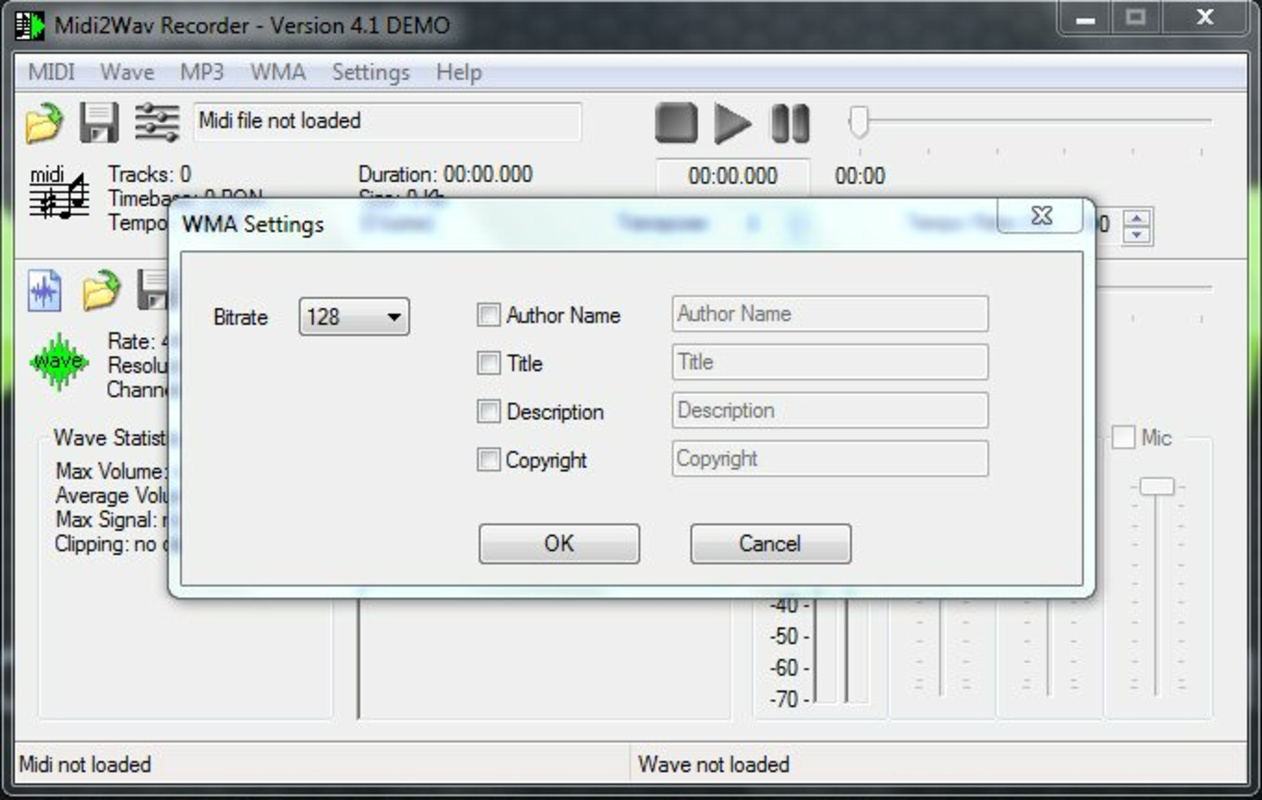
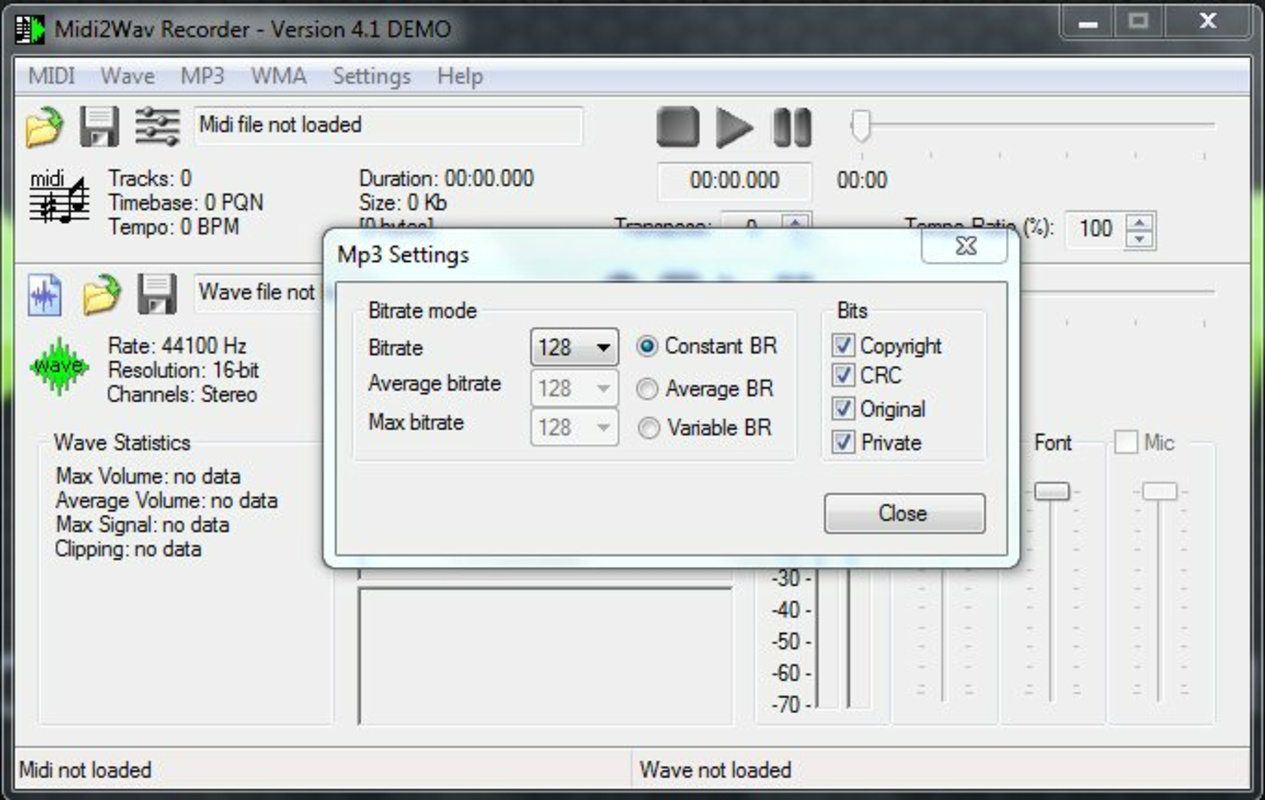
- WAV to MP3/WMA Conversion: Can re-encode existing WAV files into compressed formats with adjustable quality settings.
For example, a music teacher preparing a student’s composition for a class presentation can use the batch mode to convert several MIDI files into WAV, then compress them into MP3 for easy sharing. Similarly, a hobbyist aiming to burn a personal music collection to CD can rely on the app’s CD fit estimation to ensure all tracks fit within the disc’s capacity. The mixer feature is particularly useful for balancing instrument channels in complex MIDI arrangements before conversion, ensuring a balanced final output.
Interface, UX & Performance
The user interface of Midi2Wav Recorder appears designed for straightforward functionality, prioritizing accessibility over visual flair. Navigation is likely linear, with clear sections for file selection, conversion settings, and output configuration. The layout probably groups related controls—such as volume, saturation, and mixer settings—into dedicated panels for ease of access.
Although the developer did not list formal performance metrics, the app’s lightweight size of 2.4 MB suggests efficient resource usage. It is expected to run smoothly on standard Windows systems without significant impact on system performance. Responsiveness is likely consistent, especially during batch processing, given the focus on automation and speed. Stability may vary depending on the underlying audio drivers and system configuration, particularly when using sound card-based recording.
Users should experience minimal lag during file loading and conversion, especially with the Soundfont method, which avoids real-time playback constraints. However, performance during sound card recording may depend on audio buffer settings and system load. The app’s design emphasizes practicality, making it suitable for users who value functionality over advanced visual customization.
Platform Compatibility & Technical Requirements
Midi2Wav Recorder is available exclusively for the Windows platform. The software requires a Windows operating system, though specific version requirements were not listed by the developer. Given the app’s file size of 2.4 MB and its nature as a utility tool, it is likely compatible with most modern Windows versions, including Windows 10 and Windows 11.
The installation package is compact, indicating minimal system footprint and fast deployment. No additional software dependencies were mentioned, suggesting the app operates independently. However, users may need compatible audio drivers or sound card support for full functionality, especially when using the sound card-based conversion method.
Specific hardware requirements were not disclosed. It is reasonable to assume that standard audio hardware is sufficient for basic operation. For optimal performance, users should ensure their system supports MIDI playback and has adequate audio output capabilities.
Pros and Cons
Pros
- Efficient conversion of MIDI files to WAV, MP3, and WMA formats.
- Supports both fast Soundfont rendering and real-time sound card recording.
- Includes a built-in mixer for adjusting instrument volume and balance.
- Batch processing with CD fit estimation for music collection creation.
- Lightweight file size (2.4 MB) with minimal system impact.
- Ability to convert WAV files to MP3/WMA with adjustable quality.
Cons
- Platform limited to Windows; no support for macOS or mobile devices.
- Developer did not specify minimum OS version or hardware requirements.
- May require compatible audio drivers for sound card-based recording.
- Interface design details were not provided, limiting insight into visual experience.
- Price point of $19.95 may be considered high for a single-purpose utility.
FAQ
Is Midi2Wav Recorder available for Android or iOS?
Currently, Midi2Wav Recorder is only available for the Windows platform. There is no official version for Android or iOS devices.
Can I convert multiple MIDI files at once?
Yes, the app supports batch processing, allowing users to convert multiple MIDI files simultaneously. It also provides estimates for total duration and file size to help determine CD compatibility.
What audio formats can Midi2Wav Recorder convert to?
The software can convert MIDI files to WAV, MP3, and WMA formats. It also supports re-encoding existing WAV files into MP3 or WMA with adjustable compression quality.
Do I need special audio hardware to use the app?
While standard audio hardware is sufficient for basic use, the sound card-based conversion method may require compatible drivers. For optimal results, ensure your system supports MIDI playback and audio output.
Is the app secure to download and install?
As a Windows utility developed by Midi2Wav Software, the app is intended to be secure. Users should download from official sources to avoid potential risks. The file size is small (2.4 MB), which is typical for such tools.
Final Thoughts
Midi2Wav Recorder stands out as a focused, efficient solution for users needing to convert MIDI files into standard audio formats. Its dual conversion methods, built-in mixer, and batch processing capabilities make it a valuable tool for musicians, educators, and hobbyists working with MIDI data. While the app is limited to Windows and lacks detailed technical specifications, its compact size and clear functionality offer strong value for its intended use case.
For anyone managing a collection of MIDI compositions and needing to convert them for playback, sharing, or CD burning, this software provides a reliable workflow without the complexity of full-featured DAWs. The ability to control audio levels and balance during conversion ensures high-quality output, while the batch mode simplifies large-scale projects.
Download Midi2Wav Recorder now
Guides & Tutorials
How to install Midi2Wav Recorder
- Click the Download button above.
- Once redirected, accept the terms and click Install.
- Wait for the Midi2Wav Recorder download to finish on your device.
How to use Midi2Wav Recorder
This software is primarily used for its core features described above. Open the app after installation to explore its capabilities.
User Reviews
No reviews yet. Be the first to share your experience.
You may also like
more
Que no te pillen¡
About !Que no te pillen¡Reviewed by Jason A. BilbreyShow MoreShow Less

3D Combat Zone
About 3D Combat ZoneOriginally released in 1983, 3D Combat Zone immerses players...

666: El día del portal
About 666: El día del portalOn June 6, 2006, Agent P. Stone uncovers a sinister...

80 in 1 Best Flash games
About 80 in 1 Best Flash games 80 in 1 Best Flash games is a collection of 80 fl...

ABYSS SEEKERーーWhat Do You See Deep in The Abyss
About ABYSS SEEKERーーWhat Do You See Deep in The AbyssIn ABYSS SEEKER, players...

ACA NEOGEO THE KING OF FIGHTERS 2002 for Windows
About ACA NEOGEO THE KING OF FIGHTERS 2002 for WindowsTHE KING OF FIGHTERS 2002,...